I received an email on behalf of my school’s IT department that I needed to take mandatory password training. I took it. It’s bad and wrong.
Bad mandatory trainings are a fact of life in higher education. Lately, Oberlin College has been using Vector Solutions for our mandatory security trainings. This was by far the worst one I’ve taken.
Before I give examples, let me set the scene with the disclamers that Vector Solutions provides.
This product is designed to provide accurate and authoritative information in regard to the subject matter covered. It is sold with the understanding that the publisher is not engaged in rendering legal, accounting, or other professional service. If legal advice or other expert assistance is required, the services of a competent professional person should be sought.”
and
Every effort has been made to assure that the information presented is accurate and consistent with generally accepted practices. However, the authors, editors, publishers, and/or any sponsoring partners, associations, and joint powers authorities cannot accept responsibility for errors or omissions, or for the consequences of application of information. No warranty, express or implied, is made regarding the contents of this program.
This particular Vector Solutions training was created by Pete Just, “the Chief Technology Officer of the Metropolitan School District of Wayne Township, Indiana,” and is titled, “Password Security Basics.” (Just appears to no longer hold that position.)
Bad advice: Don’t write passwords down
This is standard, albeit, outdated security advice. There’s nuance surrounding this advice that depends on what one’s threat model is and not really what I want to focus on.
In the video, Just says, “If you need to write your primary password down, it might be too complex.” This is bad advice.
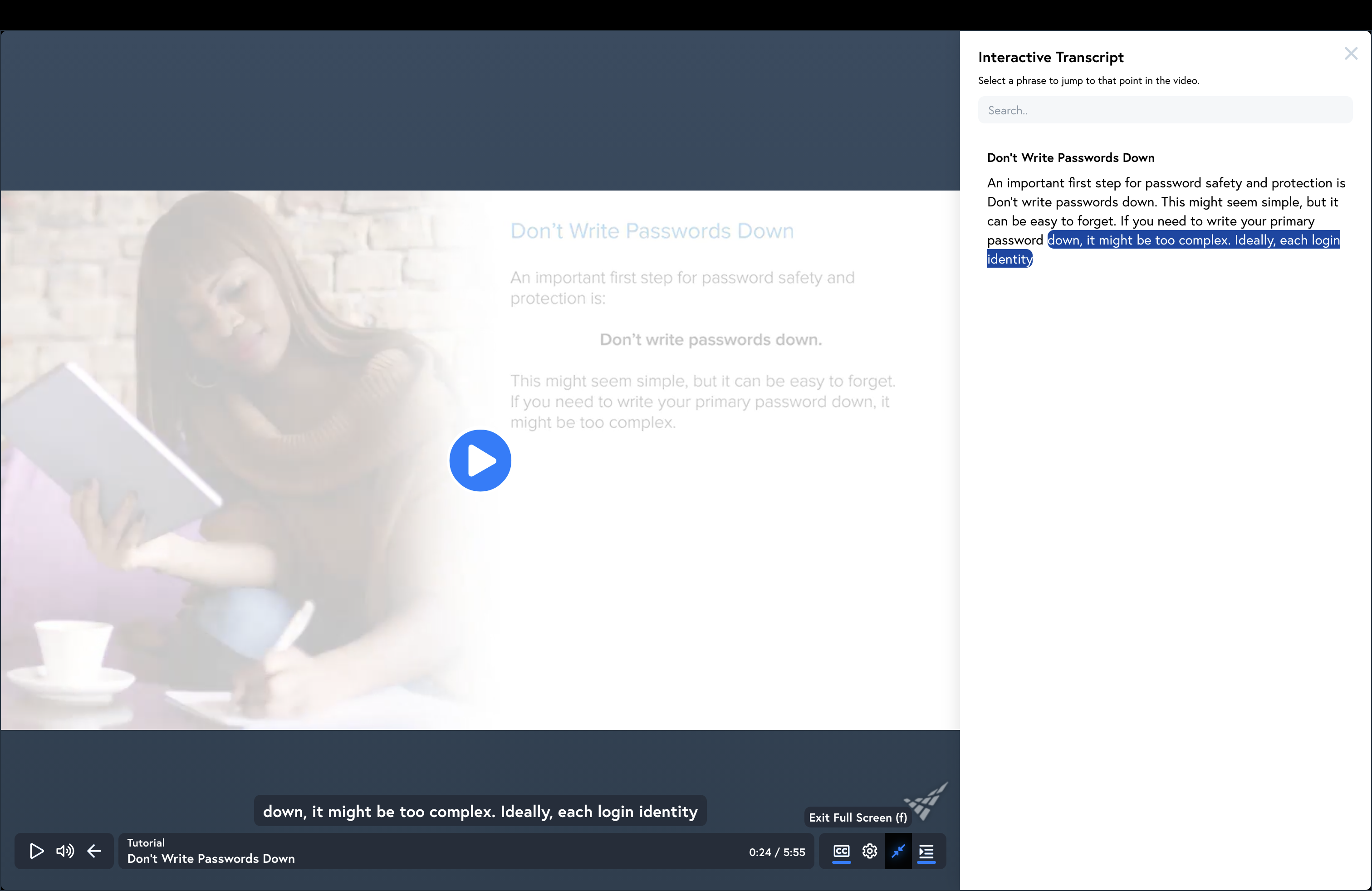
This suggestion that you should pick easier to memorize passwords comes up again later. Most of the rest of the training is about picking supposedly more complex passwords.
Bad advice: Use variations on a single password
I’ve never heard anyone suggest this as a good idea before for a good reason: this is terrible advice. Appending a number or maybe a website’s name to an otherwise fixed password makes for weak passwords. (Imagine a password breach occurs and the credentials trainingfollower@gmail.com/slinkycat-felineforums are leaked. If I were malicious, I might consider trying the credentials trainingfollower@gmail.com/slinkycat-facebook at Facebook.)
Just says, “Instead of writing down your passwords, use a primary password and make changes to it.”
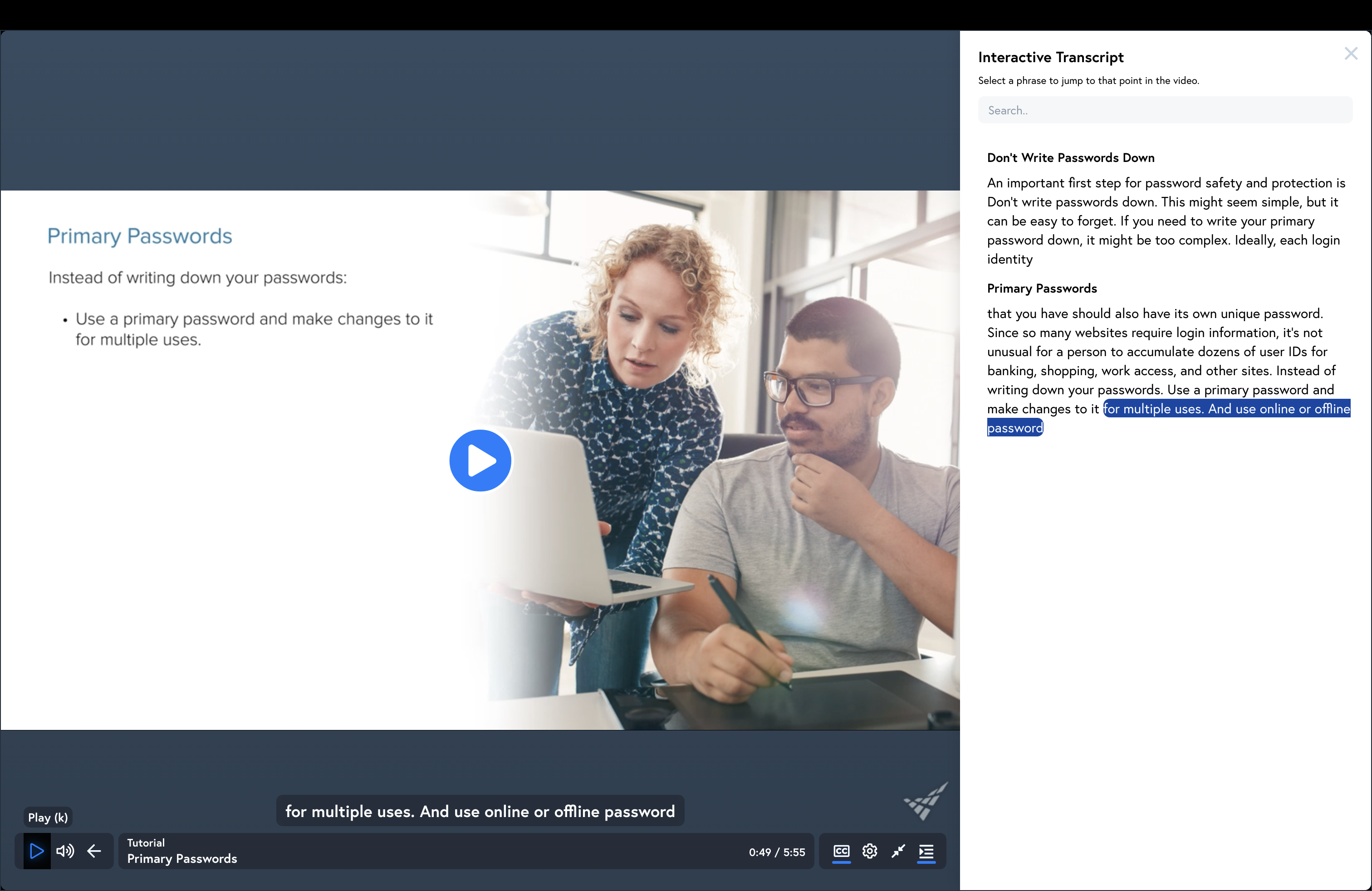
This is the exact opposite of the correct thing to do. One should use a password manager (your OS and browser have one built in you can use) and use distinct, random passwords on every site.
Not completely displayed in the transcript in the image above is the sole mention of password managers, “And use online or offline password managers.”
Bad advice: Memorize your passwords
Rather than writing down passwords, Just’s advice is to simply memorize them.
!["But the best solution [to securing passwords] is to use your memory."](/assets/posts/bad-password-training/memorization.png)
The training has had a mention of password managers already. The “best solution” is to use the password manager.
Bad advice: At least 8 characters, mixed case, numbers and symbols
To create a strong password, the training’s advice is to use a combination of uppercase and lowercase letters along with numbers and symbols, if allowed.
Just says, “A strong password should have a minimum of 8 characters in length and contain[] 3 or 4 of the following items: uppercase letters, lowercase letters, numbers and symbols.”
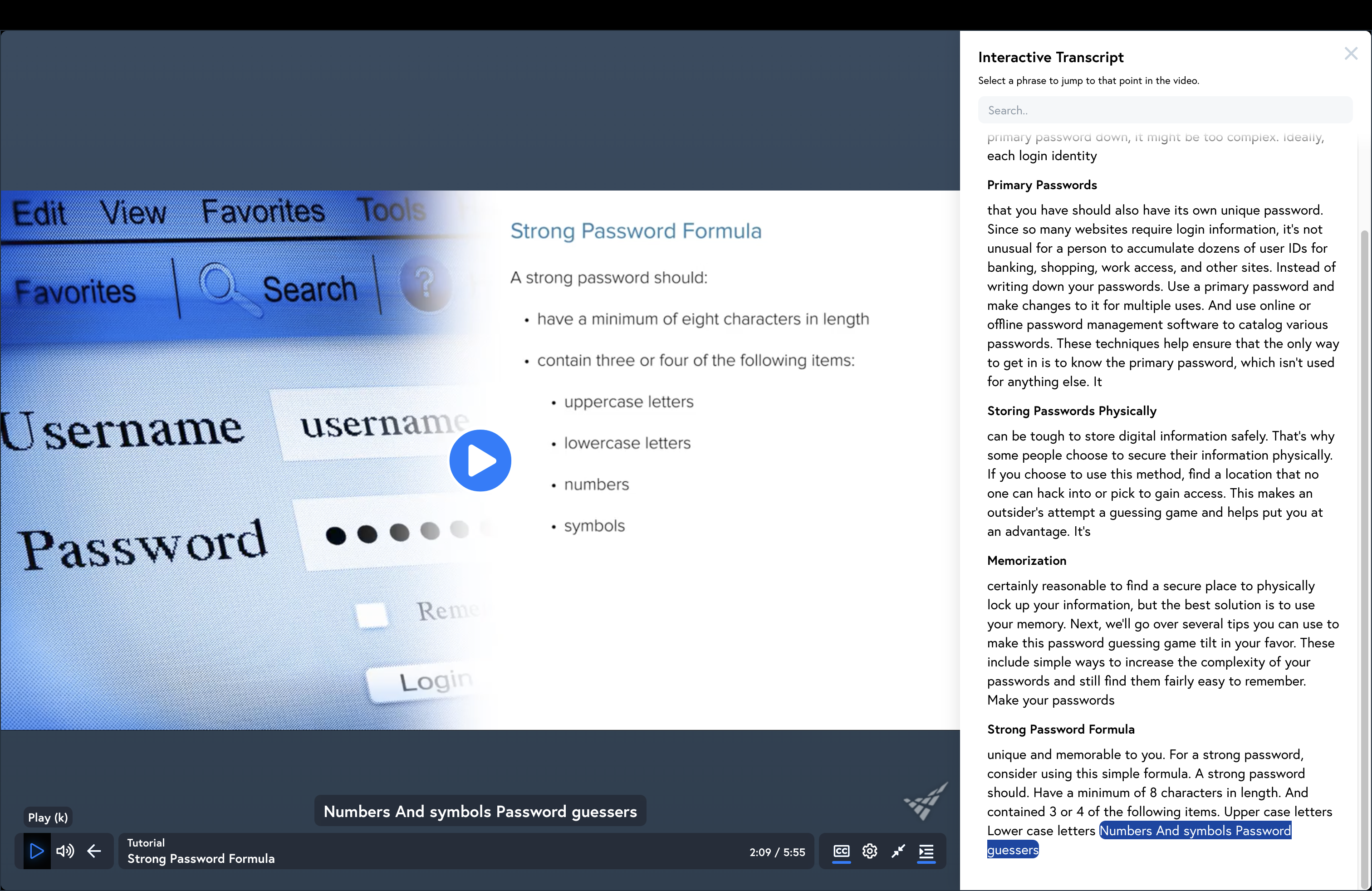
The correct advice is to have long passwords, irrespective of case of letters or inclusion of numbers and symbols.
Bad advice: Number-letter substitution
This piece of bad advice says that you should replace letters with similarly looking numbers. In other words, leetspeak.
“One way to [avoid using dicationary words in passwords] is to use numbers to substitute for letters such as 3 for E or 7 for T.”
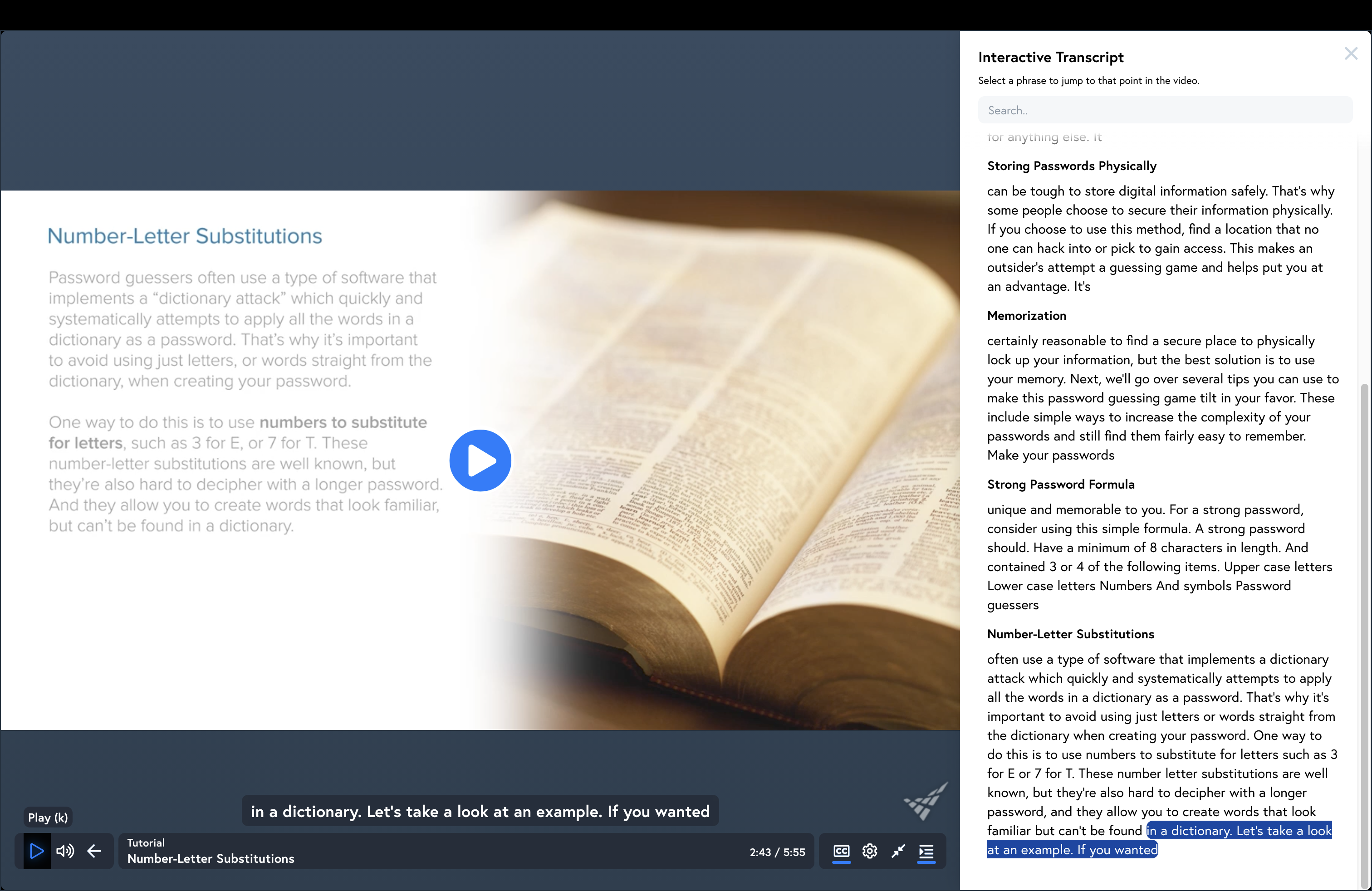
Following this advice is unlikely to make your passwords less secure, but it’s also not very likely to add much in the way of security. Mutating passwords in this way while password cracking is standard and every tool supports it.
Bad advice: Nonsense words
The advice here is to replace real words with what amounts to misspellings. It also recommends combining this with the number-letter substitution.
Just says, “Another common practice for strong passwords is to use nonsense words which makes sense to you. This can include using real words and spelling them differently.”
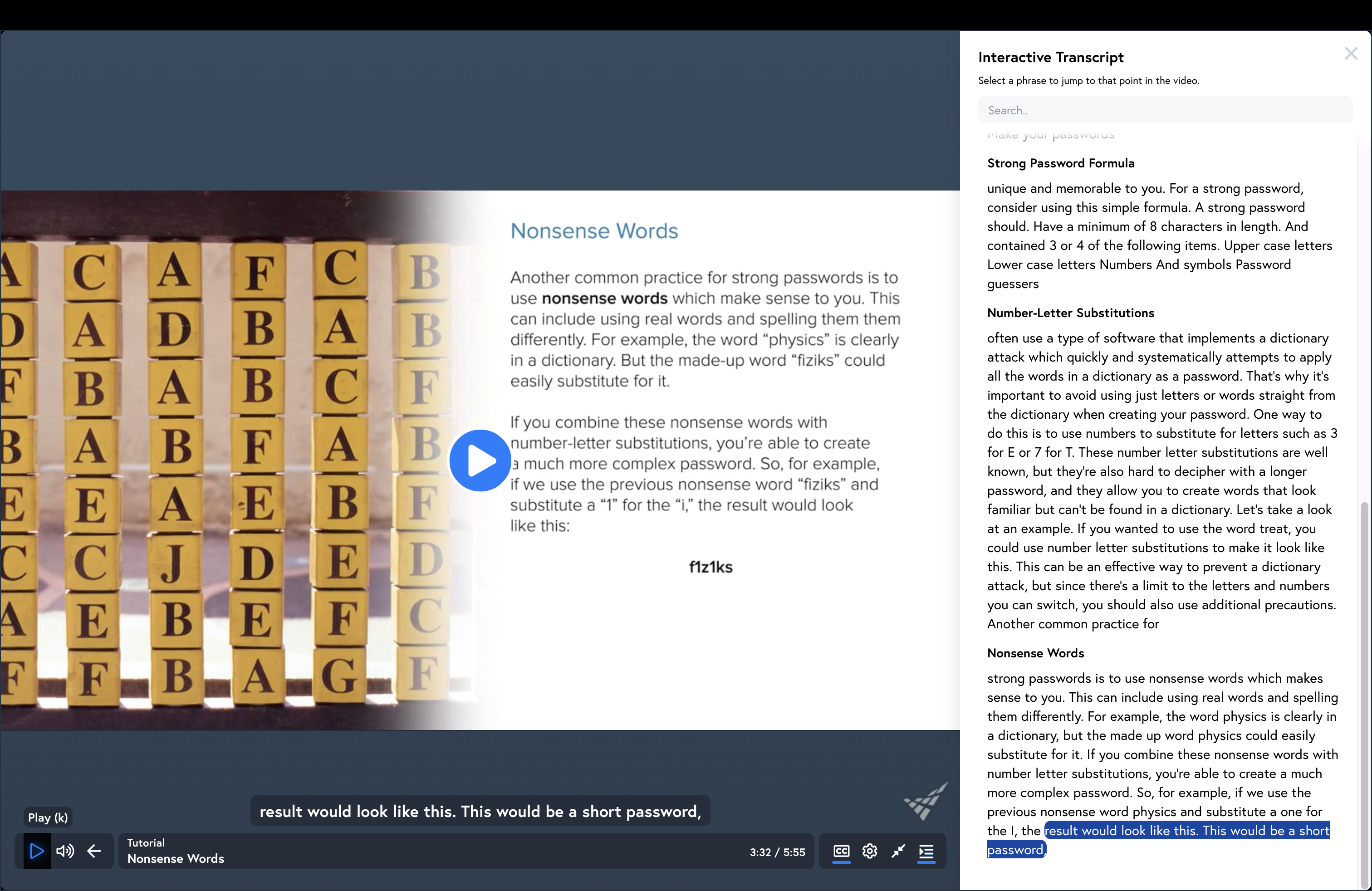
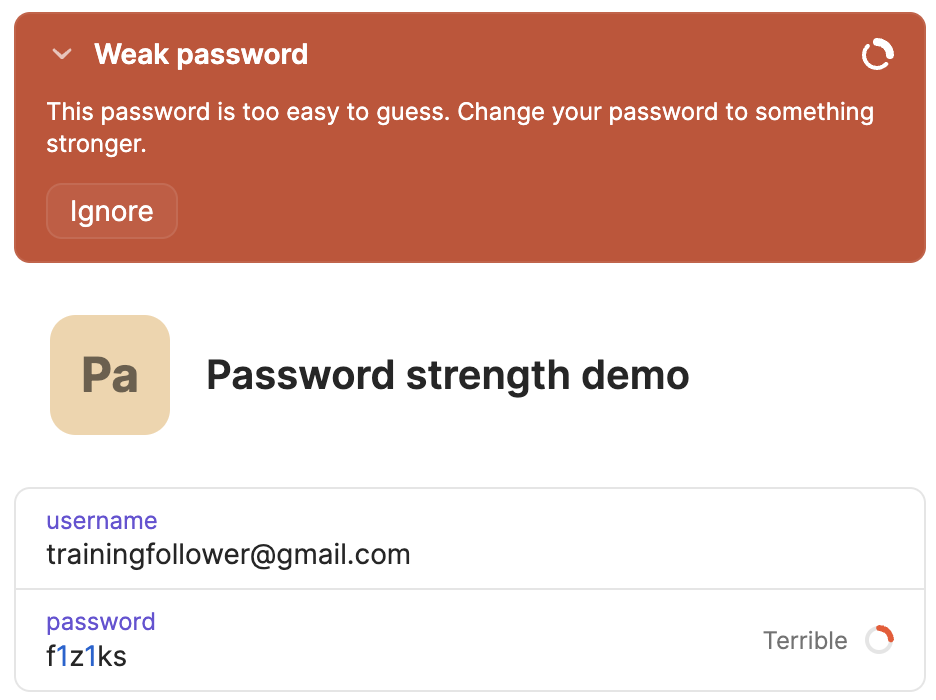
This just isn’t helpful advice. Taking a cue from Cynthia Taylor, I put their example word, f1z1ks into 1Password. Its verdict: Terrible.
Bad advice: Change passwords frequently
This outdated advice is incredibly common in higher education. Everywhere I’ve worked as a student or professor has required frequent password changes. We have known for years that forcing users to change passwords frequently is bad because users then use weaker passwords.
Just says, “It’s always a good idea to change your passwords frequently.”
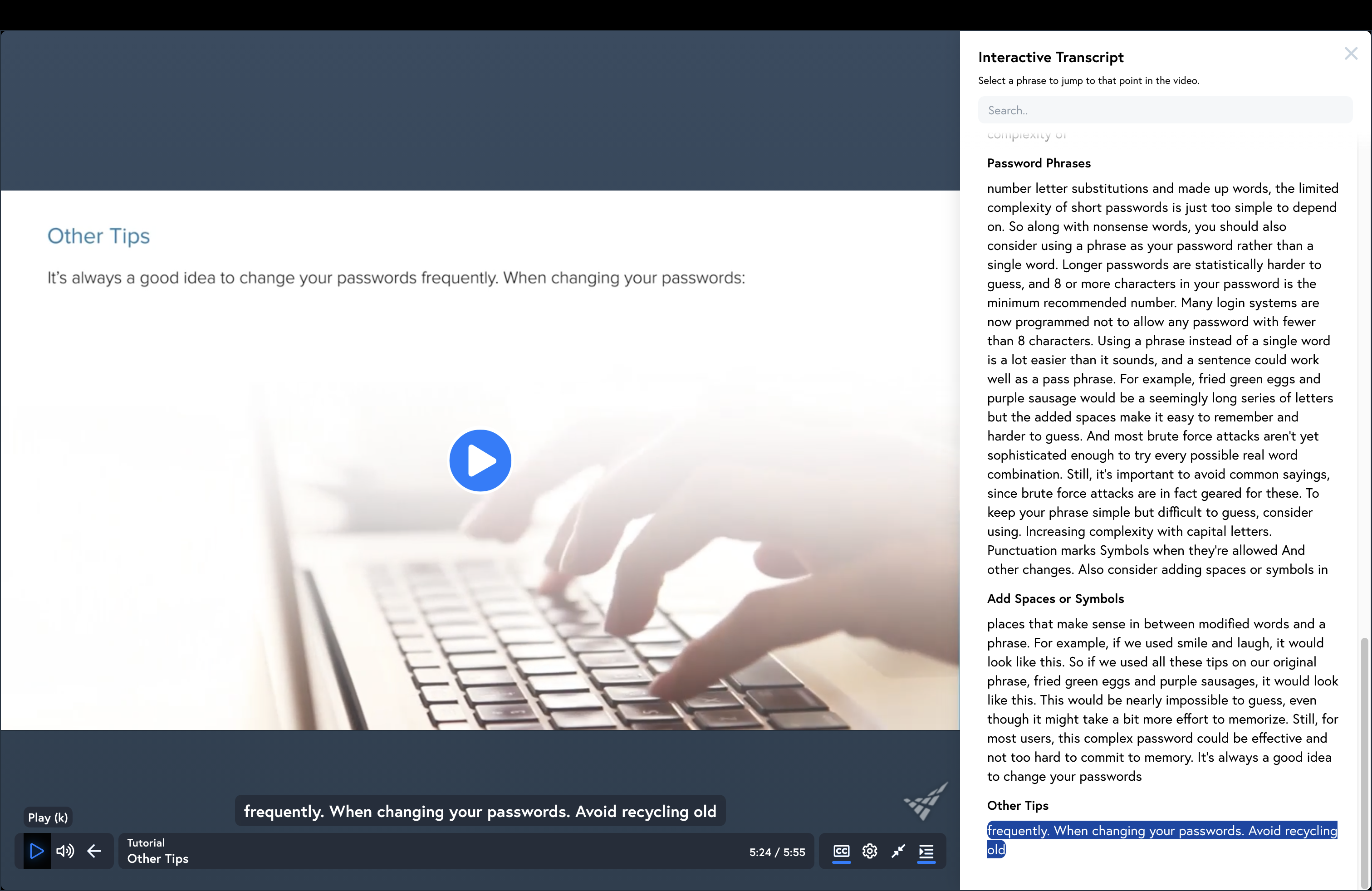
The real advice is to change passwords when there’s evidence of a data breach but not just because some time has passed.
Good advice: Use phrases rather than a word
The one piece of good advice in the training is to use a phrase rather than using a word. I agree. Longer is better.
Conclusion
Taken together, this advice suggests using a weak, easily memorized password that has undergone simple character substitutions and then making variations of this “primary password” to create passwords to use for different websites.
I reached out to Pete Just to ask if there was anything about the training he would change if making it today. His response was,
Steve, this question relates to a few courses I created for Vector Solutions over 7 years ago, so some of it is indeed quite outdated. Although the basics remain similar, the threat matrix has substantially changed, and so have the password recommendations. Were I to rewrite the course, I’d certainly change several recommendations based on those made by NIST, CiSA and the most current best practices..Password recommendations today do not mirror those of that time.
I don’t have any insight into why Vector Solutions continues to use old trainings with bad advice. Returning to the disclaimers at the top, I’m interested to know what precisely Vector Solutions means by “Every effort has been made to assure that the information presented is accurate and consistent with generally accepted practices.” Unfortunately, I couldn’t find non-customer-support contact information where I might inquire.
I’m very curious about why colleges and universities pay for these trainings. I’m guessing it’s an insurance requirement. I’m out of my depth here, but I do wonder if using a training an institution knows (or should know) to be deeply flawed actually fulfills such requirements.
Finally, if you’re curious, NIST SP 800-63B contains real advice for password requirements. Arstechnica has a nice overview of some of it.